How to Activate Your BCPoker Promo Code
4
https://www.canadianpoker.com/en/promo-codes/bcpoker-promo-code/
BCPoker Bonus CodeBCPoker Registration
Visit BCPoker Website
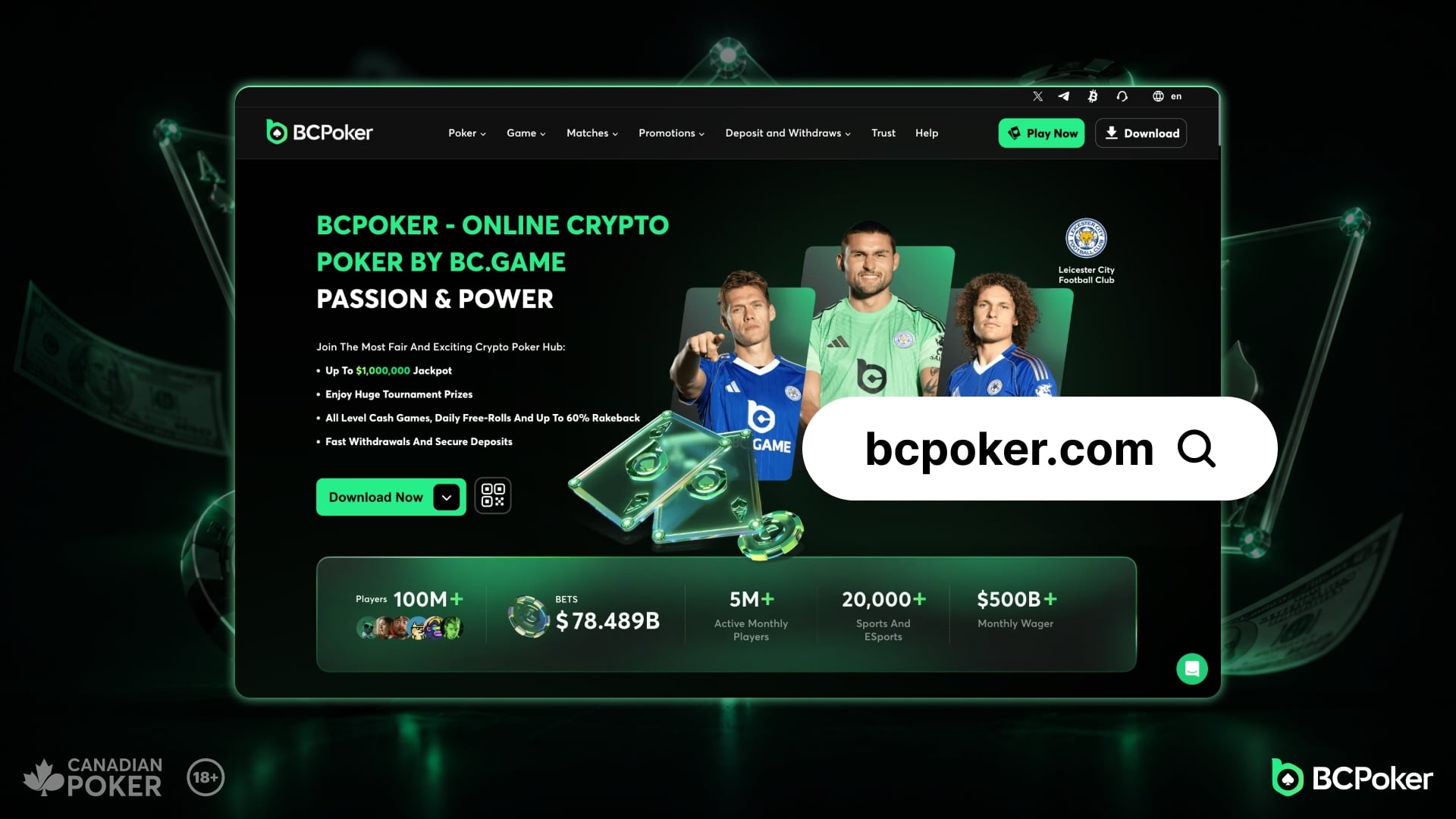
Open your browser and go to https://bcpoker.com
Register your new account
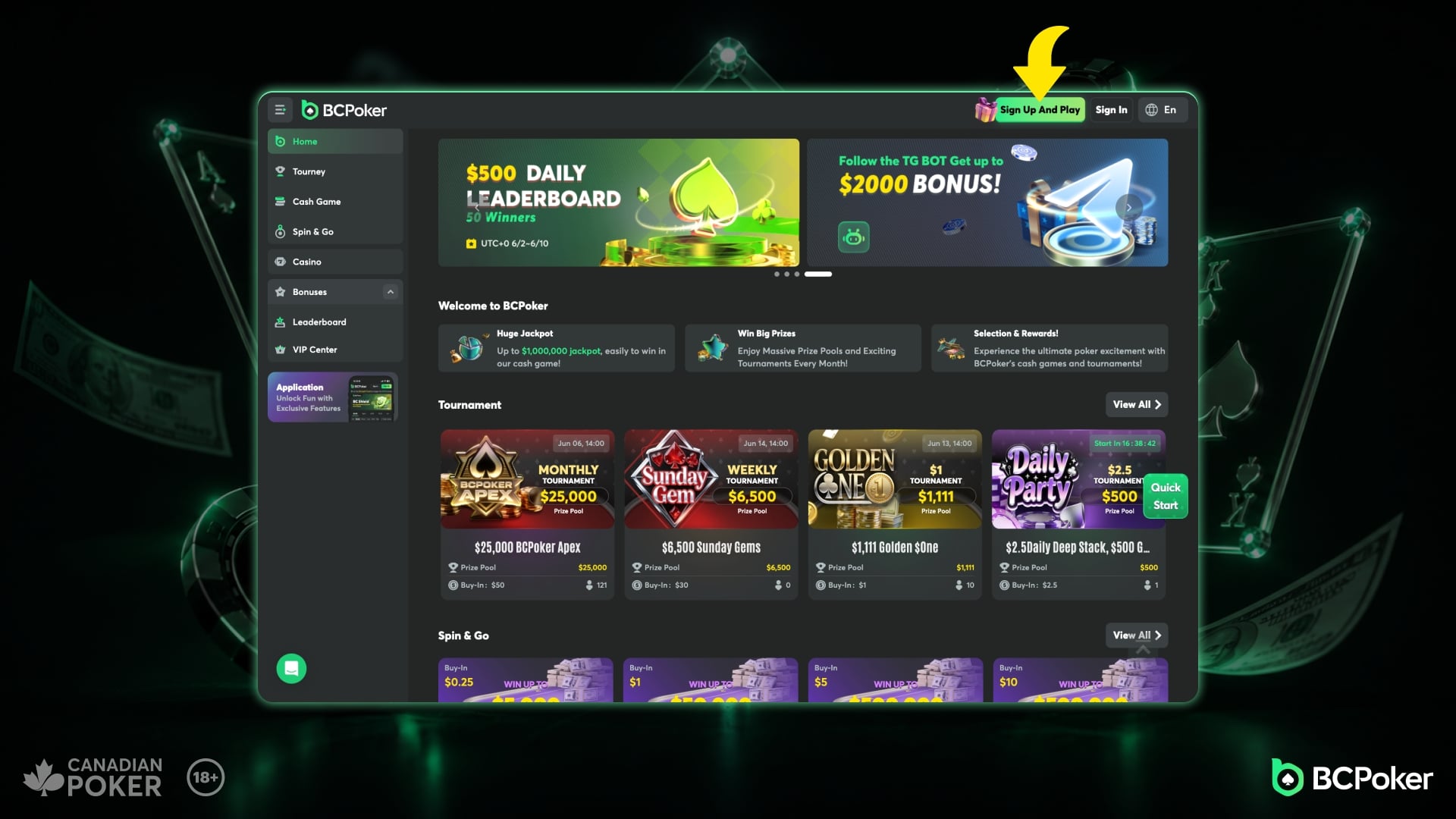
Click "Sign Up and Play" at the top right
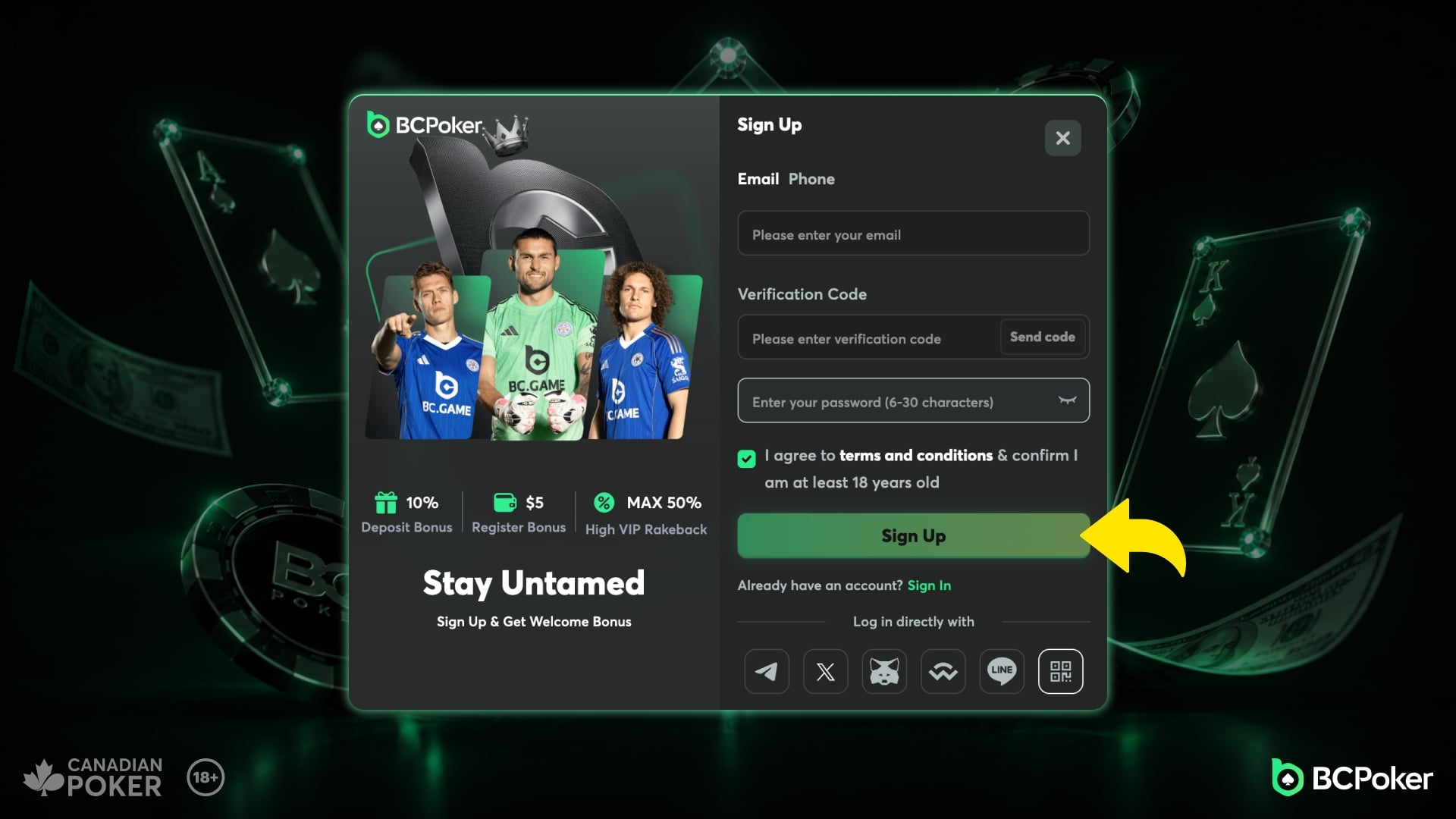
Enter your email address
Enter the email address you would like to use for your BCPoker account. Make sure it´s correctly spelled as you will get a verification code sent to it. When you have received the Verification Code, insert it in the field and click "Sign Up"
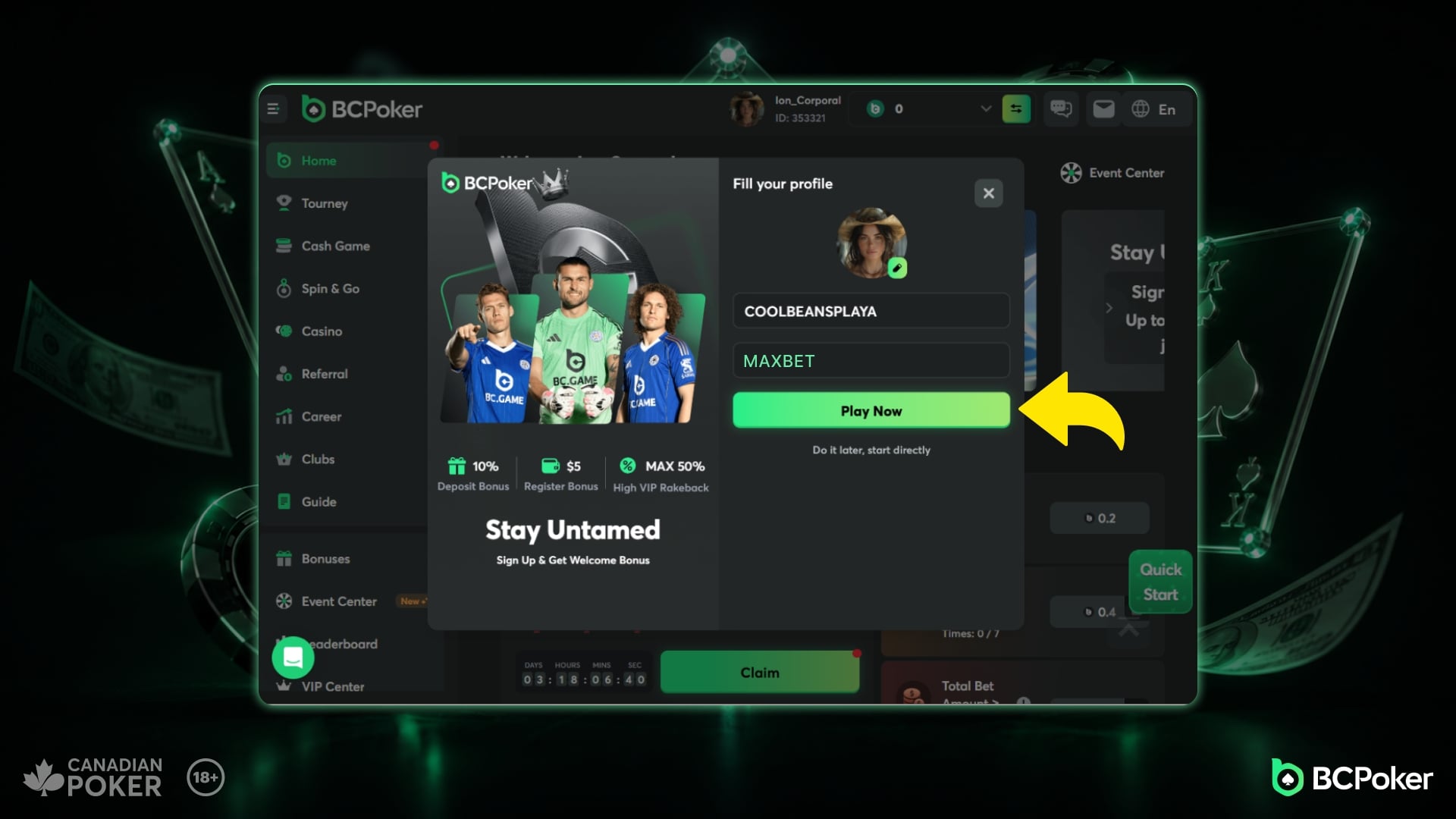
Nickname and Promo Code
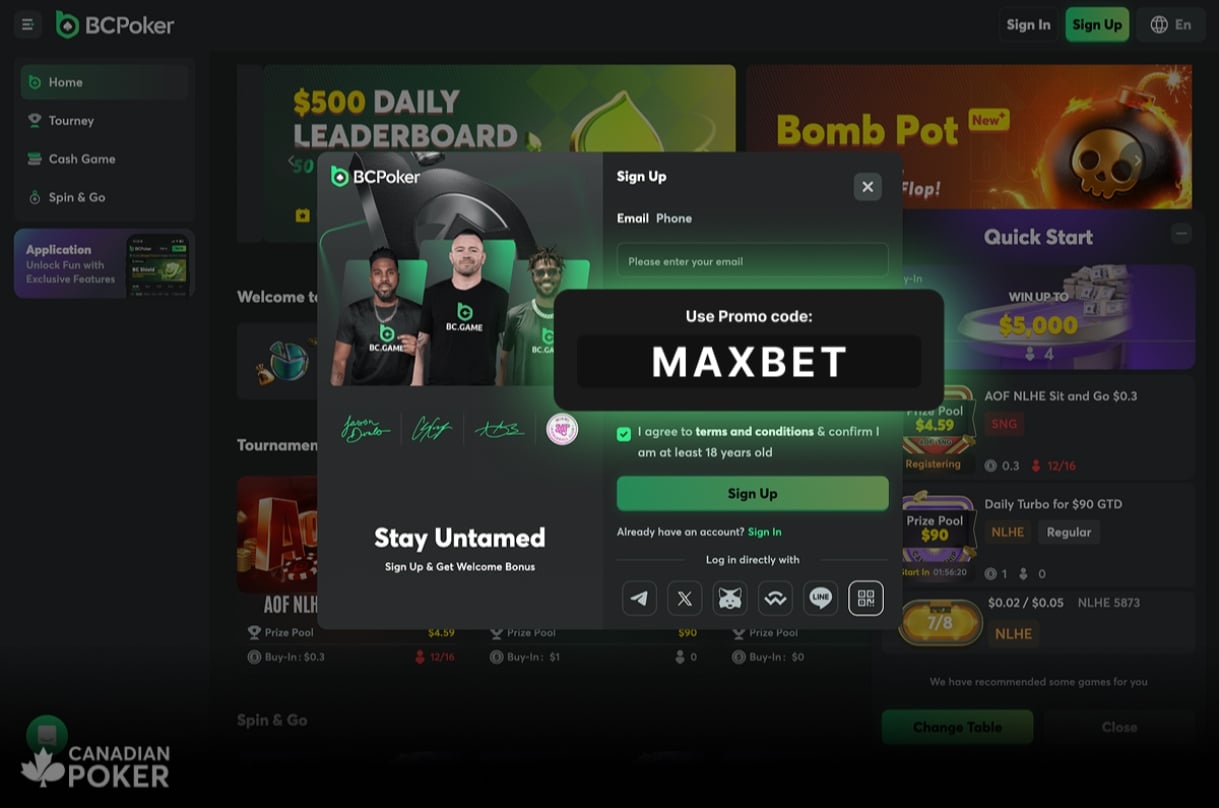
In this step you choose your nickname, this is the name that will be shown on the tables when you play. When you have choosen a good nickname, make sure to enter MAXBET in the Promo Code Field to receive the best possible bonuses for your new account.
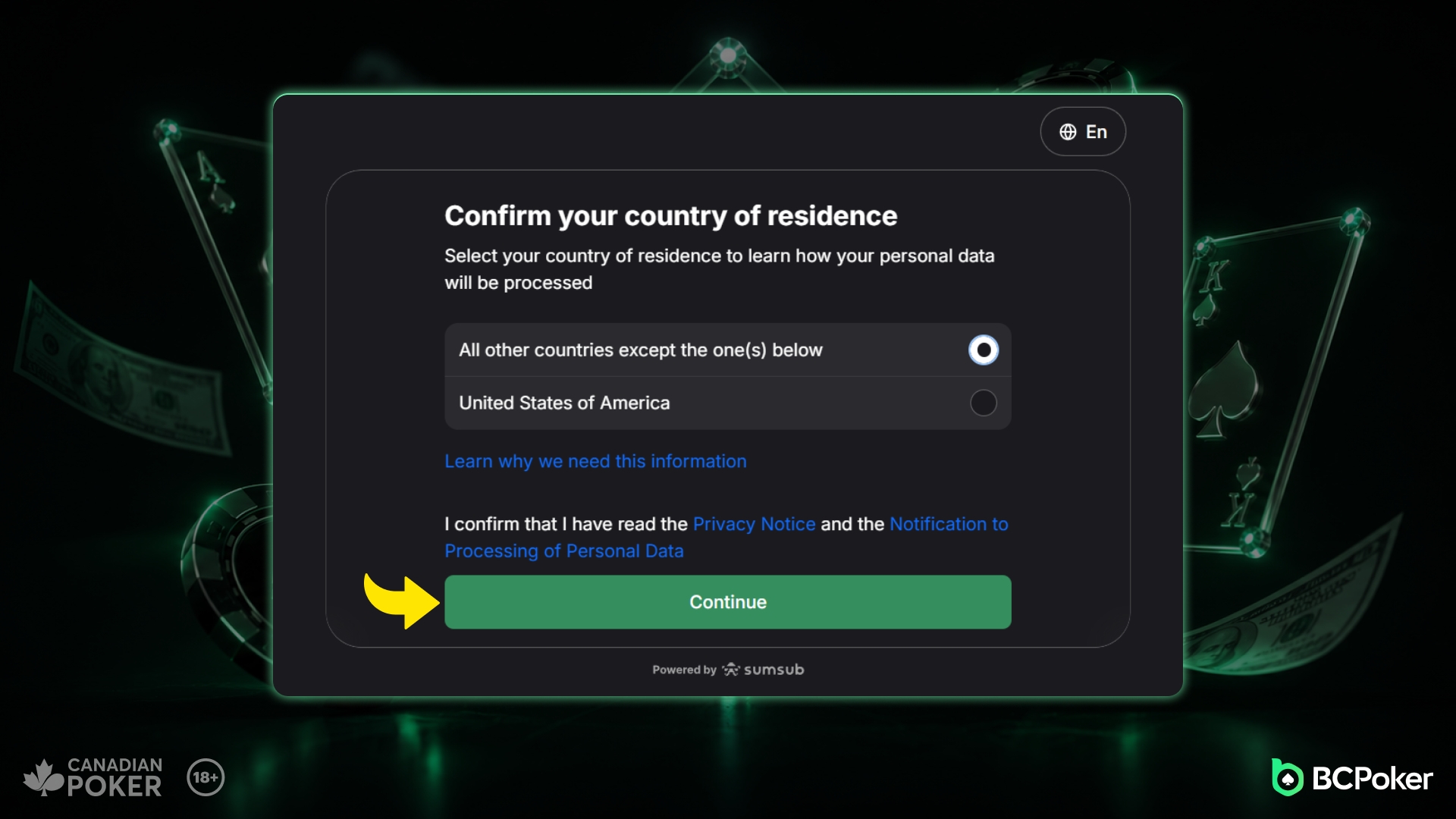
Confirm your country
In this step you will have to confirm if your country of residence is USA or any other country. Just click the option and then click "Continue"
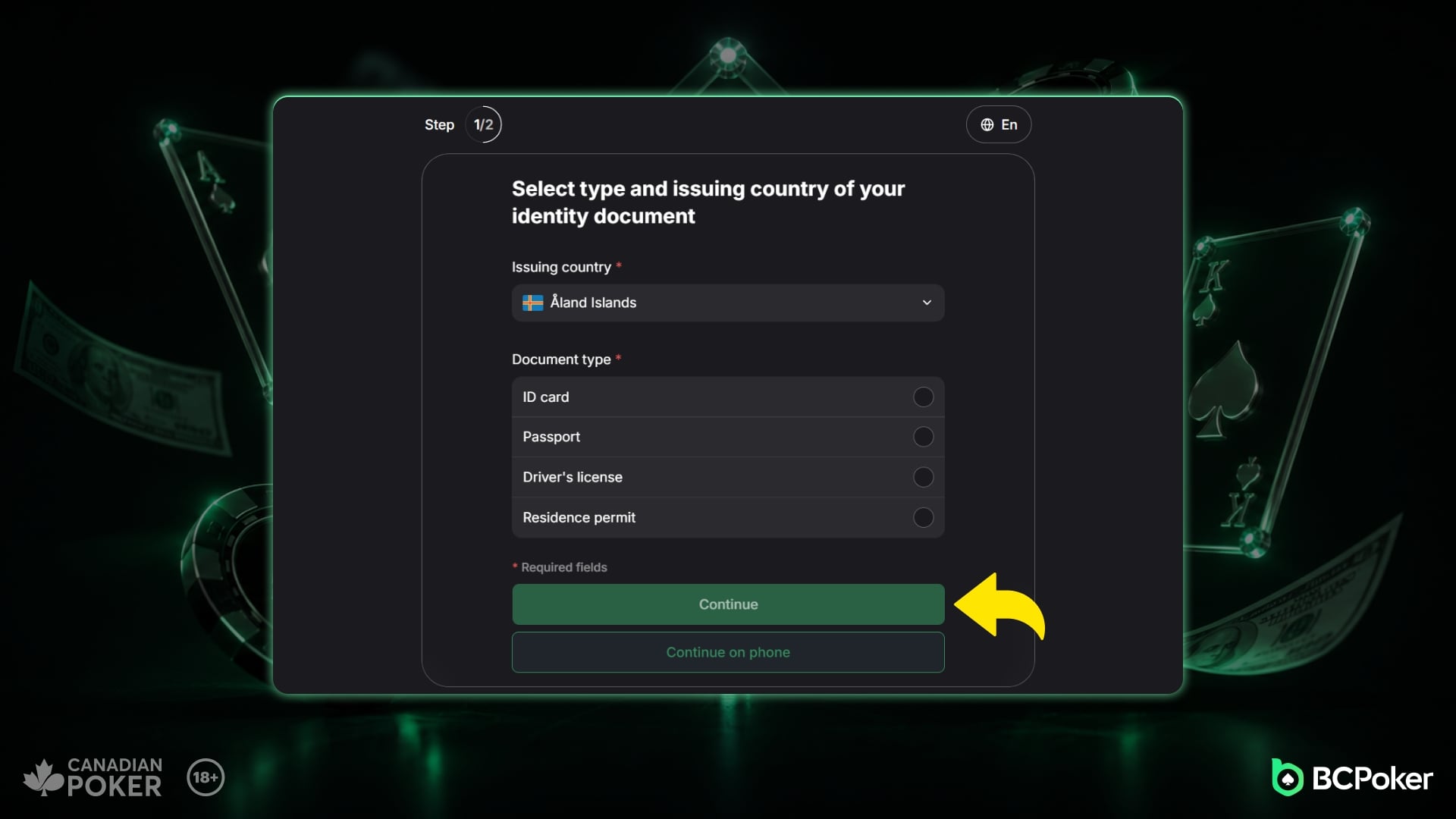
Identification
In the next step, you need to specify which document you want to use to identify yourself, select ID card, Passport, Driving license or Residence Permit. Also specify which country issued your document.
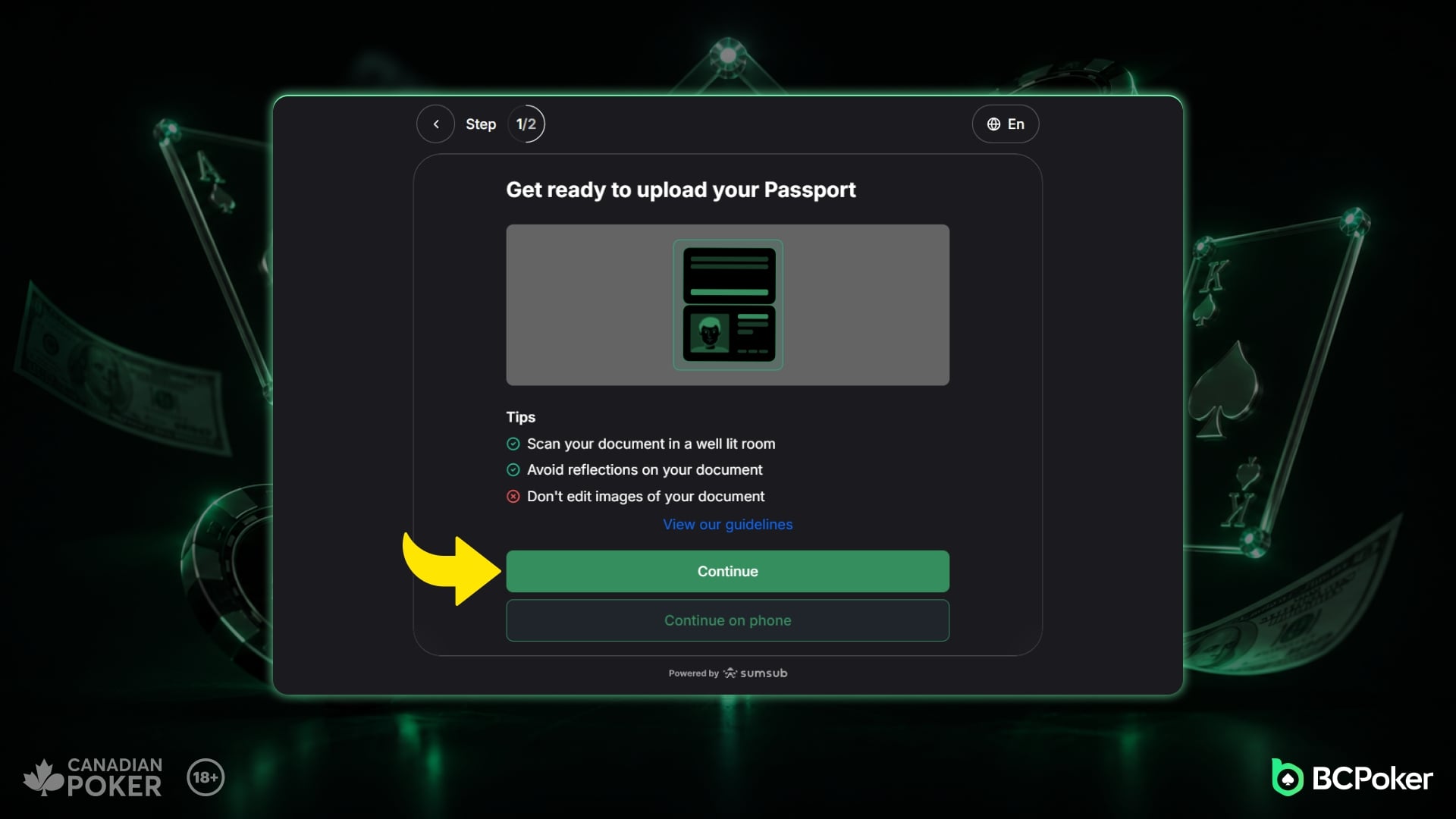
Upload your document
In this step you need to upload the document you selected in the previous step. You can choose to click "Continue" or "Continue in Phone" if you feel it is easier.
Your account is setup and verified
After uploading your document, your account is ready to use. Go to the cashier and make a deposit, your welcome bonus will be added automatically.